Low poly metal DXF guide
How to Convert a Drawing to a Laser Cut DXF File
A practical guide to kerf, slot width, bend relief, relief gaps, fold lines, and layer setup when converting a drawing into a laser cut DXF file.
View King Kong Angry DXF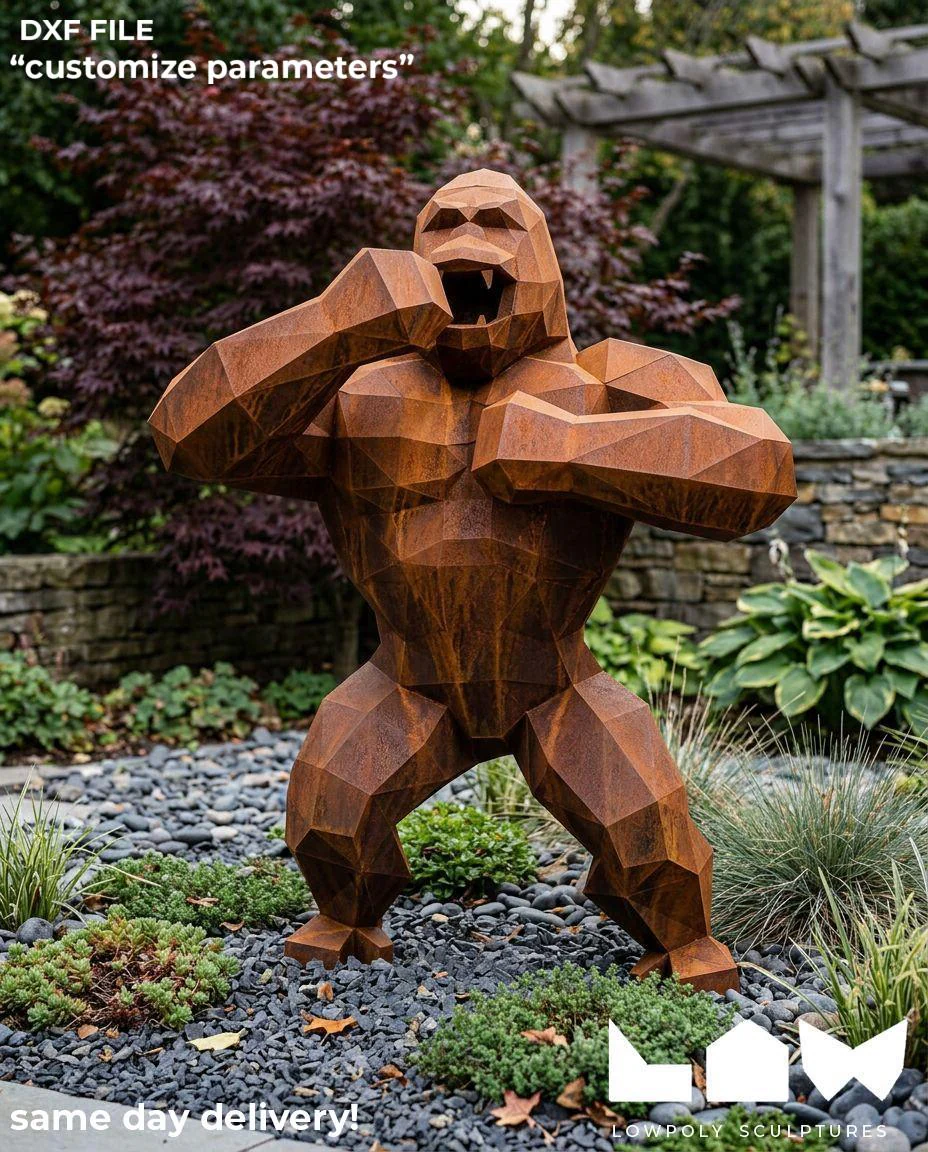
FAQ
How do I convert my drawing to a laser cut DXF file?
Start by separating cut lines, fold lines, slots, holes, and notes into clear geometry or layers. Then review kerf, slot width, relief gaps, and sheet thickness before preparing the final DXF.
What is kerf in laser cutting?
Kerf is the small amount of material removed by the laser beam. It affects fit around slots, tabs, holes, and parts that need to assemble tightly.
How does kerf affect slot width?
If slot width ignores kerf, the cut part may fit too loose or too tight. Slot dimensions should be adjusted around the material thickness, assembly method, and expected laser kerf.
What is a relief gap?
A relief gap is a small space added near folds, tabs, or intersecting cuts to prevent stress, collision, or difficult assembly after the metal is cut.
What slot width should I use for laser cutting?
Slot width depends on material thickness, expected kerf, fit tolerance, and whether the part will be welded or riveted. It should be adjusted for the real cutting process, not copied directly from the nominal sheet thickness.
Can AI convert a drawing into a production-ready DXF?
AI can help create a draft or explain the workflow, but a production-ready DXF still needs checking for cut layers, fold lines, kerf compensation, slot fit, relief gaps, and assembly method.
What should I upload for the best DXF conversion result?
Upload the drawing or reference file, mark fold lines clearly, choose Weld or Rivet, and include notes about slot width, hole size, target fit, material thickness, and any special production constraints.
How should fold lines be marked in a DXF file?
Fold lines should be marked with a separate layer or a different color so the workshop can distinguish folding or scoring references from full cut lines.
What is the difference between cut lines and fold lines?
Cut lines are geometry the laser cuts through. Fold lines are bending, scoring, or reference information, so they should be separated by layer or color before the file is prepared.
Can one file work for both Weld and Rivet assembly?
The same design idea can be adapted, but Weld and Rivet usually need different preparation. Slots, holes, distances, and notes should match the selected version.